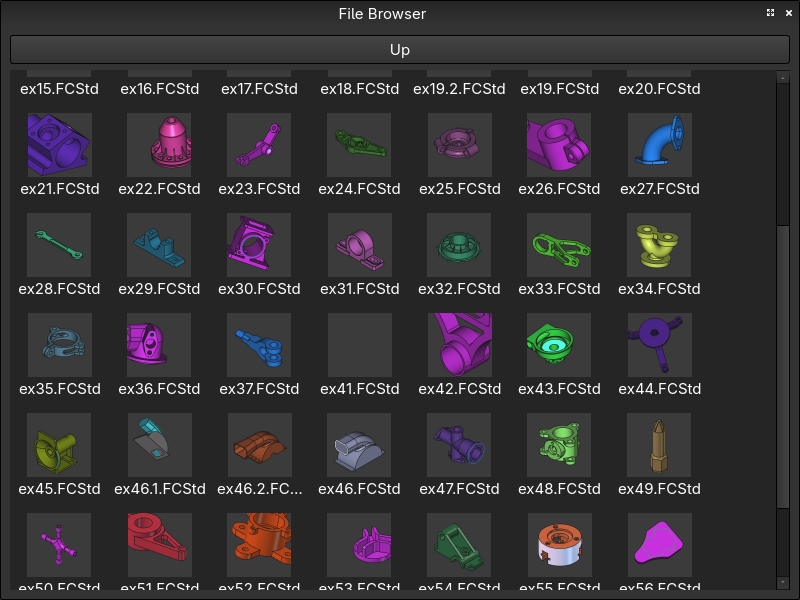
One of the nice things about FreeCAD’s FCStd file format, is that it’s basically just a zip archive. If you were to unpack that archive using Tools > Document Utility, you would find a thumbnail.png file tucked away in there. This is meant to be used in place of a file icon when looking at files in your file manager. The problem is, depending on your OS or how you installed FreeCAD, you may not see this happen. That’s the case with my setup, running FreeCAD on Fedora.
That’s why I created this macro. Sometimes I remember what something looks like but can’t remember what I named the damn thing.
FileBrowser.FCMacro Pops up a little window that browses your file system for FCStd files, and shows you their thumbnails. When you find the file you want, you can also open it from the macro window.
You can find the source code for this macro, and installation instructions on my GitHub.